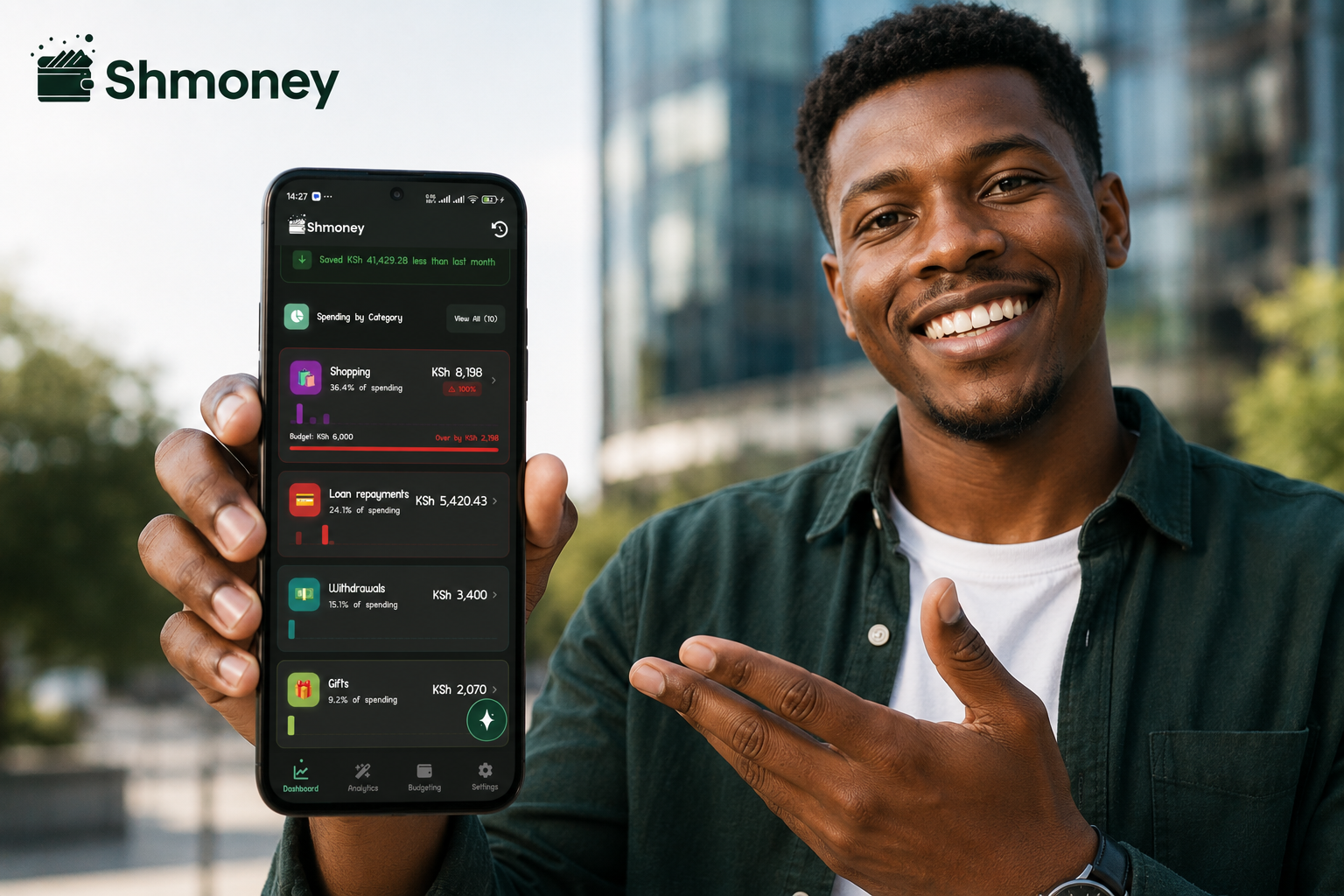
Most people can tell you their M-PESA balance. Almost nobody can tell you what percentage of it went to transport versus food last month — here's how to actually find out.
You check your M-PESA balance, it's lower than you expected, and you can't quite say why. Not because you spent recklessly — because dozens of small transactions (a Paybill here, a Buy Goods there, a top-up, a fare) never get added up in your head. Individually they're forgettable. Together, they're most of your month.
What a typical month actually looks like
Here's a realistic category breakdown for someone spending around KSh 30,000 a month through M-PESA — the kind of split Shmoney users commonly see once their transactions are categorized automatically:
| Category | Share of spend | Approx. amount |
|---|---|---|
| Food & groceries | 28% | KSh 8,400 |
| Transport | 17% | KSh 5,100 |
| Bills & utilities | 15% | KSh 4,500 |
| Airtime & data | 8% | KSh 2,400 |
| Transaction & Fuliza fees | 6% | KSh 1,800 |
| Everything else (transfers, shopping, entertainment) | 26% | KSh 7,800 |
Illustrative split based on common Shmoney user patterns — your own breakdown will differ, which is exactly the point of tracking it.
Notice the fees line: KSh 1,800 a month, KSh 21,600 a year — on transaction and Fuliza charges alone. Most people have no idea that number even exists until they see it totalled. For the full breakdown of what Safaricom actually charges per transaction type, see our M-PESA Charges 2026 guide.Why manual tracking falls apart by week two
Notebooks and spreadsheets work in theory. In practice, most people stop within two or three weeks because:
- Transactions get forgotten between when they happen and when you sit down to log them
- Small purchases (KSh 50 here, KSh 100 there) feel too minor to bother recording
- There's no easy way to see a percentage breakdown without manually totalling everything
- A missed week means the monthly total is wrong, which makes the whole exercise feel pointless
If you need your official numbers for a loan application or KRA filing rather than day-to-day budgeting, Safaricom's own statement is the right document — we cover every way to get it in our M-PESA statement guide. But a PDF statement won't hand you a category breakdown — it's a list, not an analysis.
How automatic categorization actually works
Every M-PESA transaction — send, receive, Paybill, Buy Goods, withdrawal, Fuliza — arrives as a confirmation SMS with a consistent format: amount, recipient or till name, transaction code, and balance. An app like Shmoney reads that message the moment it lands, and:
- Parses the SMS to extract the amount, transaction type, and counterparty — no typing required.
- Matches it to a category — food, transport, bills, and so on — based on the till or paybill name and your own past corrections.
- Adds it to your running totals, so your category breakdown updates in real time instead of at the end of the month.
What you actually get with Shmoney
- A live percentage breakdown of where your money goes, updated every time a transaction lands
- Month-on-month comparisons, so you can see if transport spending is creeping up before it becomes a problem
- Fuliza and transaction fees tracked separately from your regular spending
- Custom budgets per category with alerts before you overspend
- Everything processed on your phone — your M-PESA messages are never uploaded anywhere
Frequently asked questions
Do I need to manually categorize every transaction?
No. Shmoney categorizes automatically based on the merchant or paybill name. You can recategorize anything that's wrong, and it remembers your correction next time.
How is this different from just checking my M-PESA statement?
A statement gives you a raw list of transactions with no categories or totals. You'd have to add everything up by hand to get the kind of breakdown shown above. Shmoney does that automatically and updates it in real time.
Does tracking my spending cost anything?
Shmoney is free to use, with all processing happening locally on your device.
See your own category breakdown — automatically, from day one.
Get ShmoneyCategory split shown is illustrative and based on common usage patterns, not a guaranteed outcome. Your own spending breakdown will vary.